
In this tutorial, you will learn how to use the Pennsylvania Mine Map Atlas.
For information on Mine Subsidence Insurance http://www.pamsi.org/
Find a place in Pennsylvania: Search by County/Municipality, Search by Street/Zipcode, Search by Longitude/Latitude
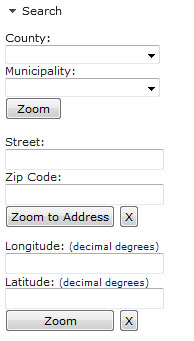
Use County: and Municipality pull downs to zoom to County/Municipality


Use Address - enter Street and Zipcode


Use Latitude and Longitude (Decimal Degrees)


Single Click in the viewer opens up the Results Box Window
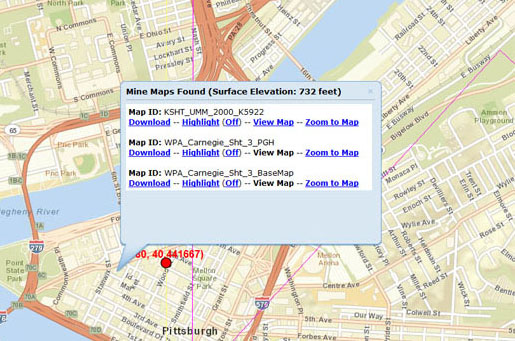
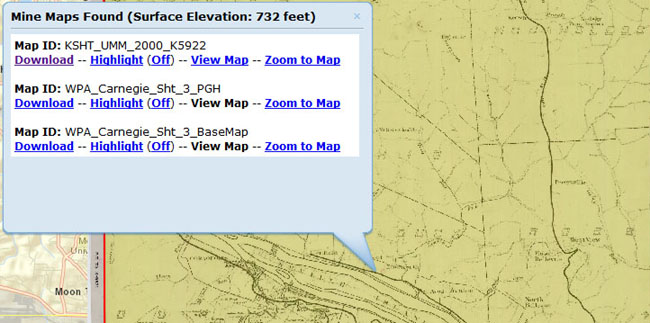
Choices in the Results Box Window are: Download, Highlight(Off), View Map, Zoom to Map.
Some Maps are not available to View. These maps have the View Map link greyed out
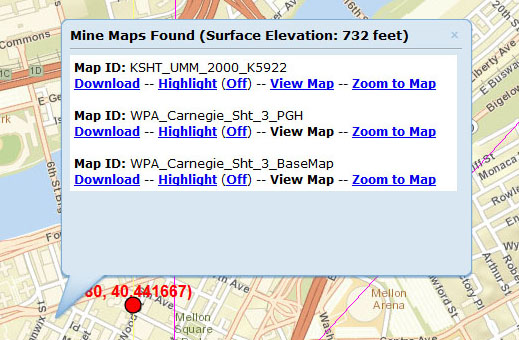
Download

Highlight(Off) - toggle On and Off to see Mine Maps in your area
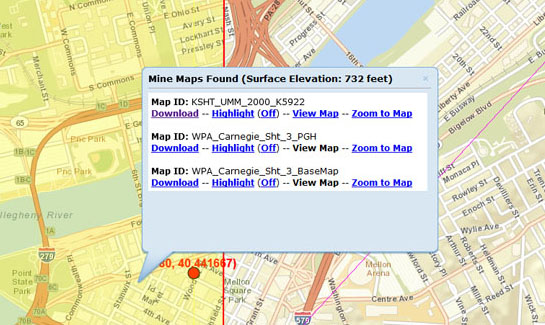
View Map - Loads available Mine Maps in your area
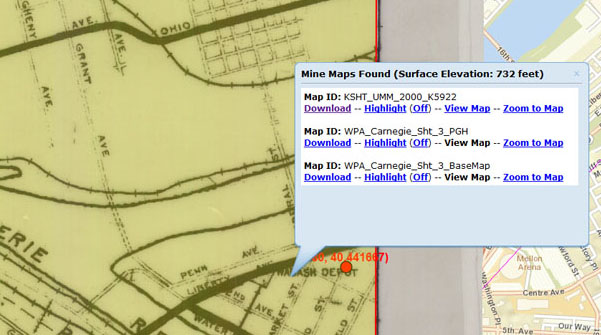
Zoom to Map
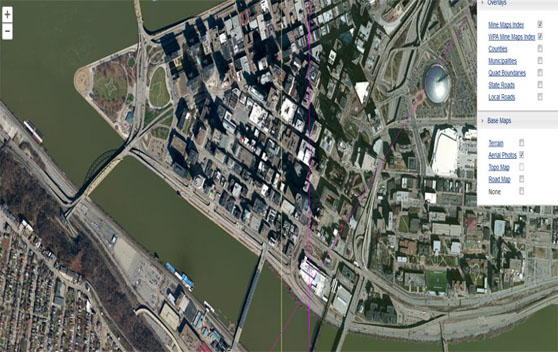
Use the Layer List to toggle Overlays and Base Maps

Various Base Maps are offered to assist in navigation
Mine Maps Options tab

Mine Maps Options tab allows users to Turn Mine Maps Off and adjust Mine Map Transparency

Print Map allows users to Title and Print a map in various formats (PDF, PNG, JPG)

Measure allows users to Activate Measuring and Measure by Area, Distance, or Identify a Location

Measure by Area

View Area results by Acres, Sq Miles, Sq Kilometers, Hectares, SqYards, Sq Feet, Sq Meters

Measure by Distance

View Distance results by Miles, Kilometers, Feet, Meters, Yards

Identify Location by Decimal Degrees or Degrees/Minutes/Seconds - Single click adds a flag with a location measured in Decimal Degrees of Degrees/Minutes/Seconds
